
How to obtain a quality inspection certificate (COA)?
How to obtain a quality inspection certificate (COA)?
How to obtain a quality inspection certificate (COA)
I.
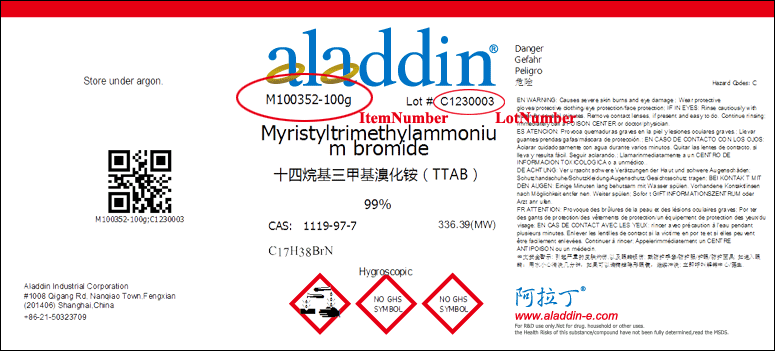
First, you need to find the product's article number and corresponding batch number, and check the label on the product bottle. The article number is in front of the specification, and the batch number is behind Lot #. See the following figure for details:
II.
Find the official website where you can download the quality certificate:
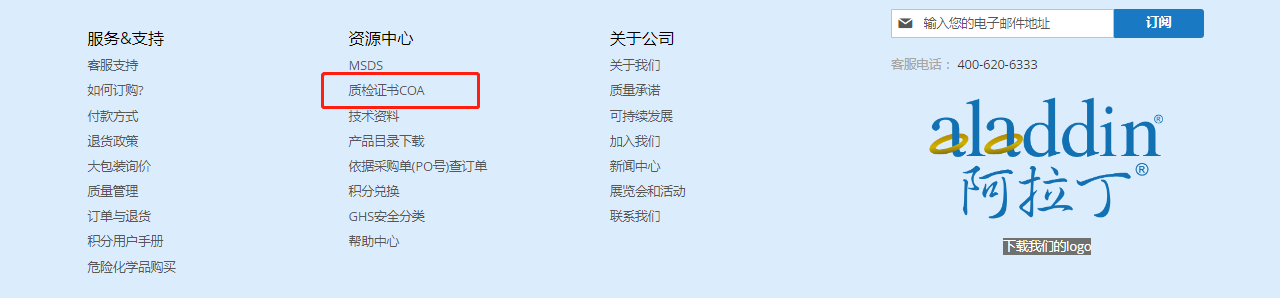
1. There is an entrance in the navigation bar at the bottom of the official website, as shown in the figure below:
2. Search the product number, click the product number, and enter the product details:
Example: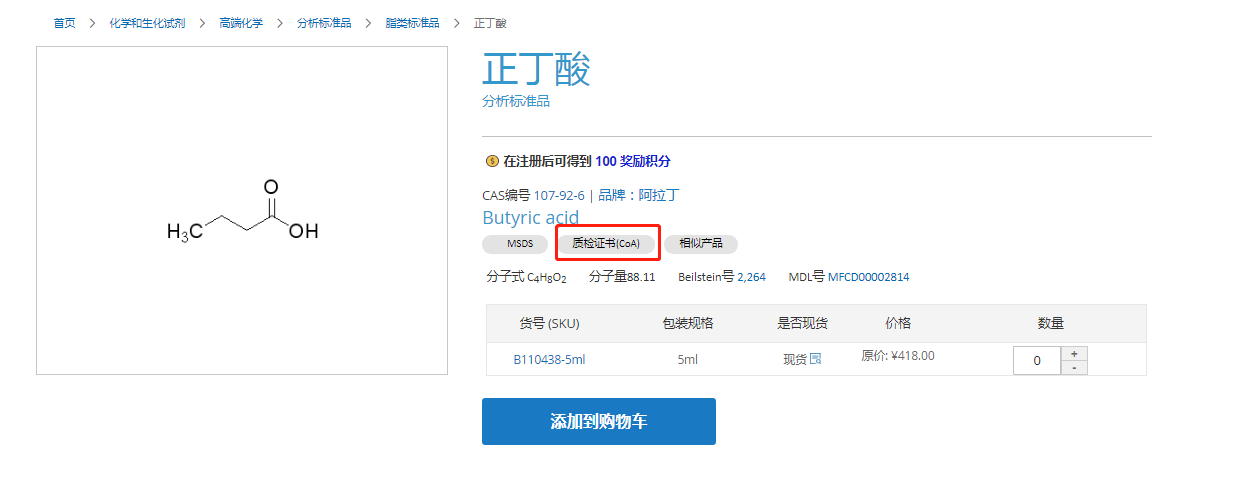
3. The product details have declined, and in the relevant documents at the bottom:
Example: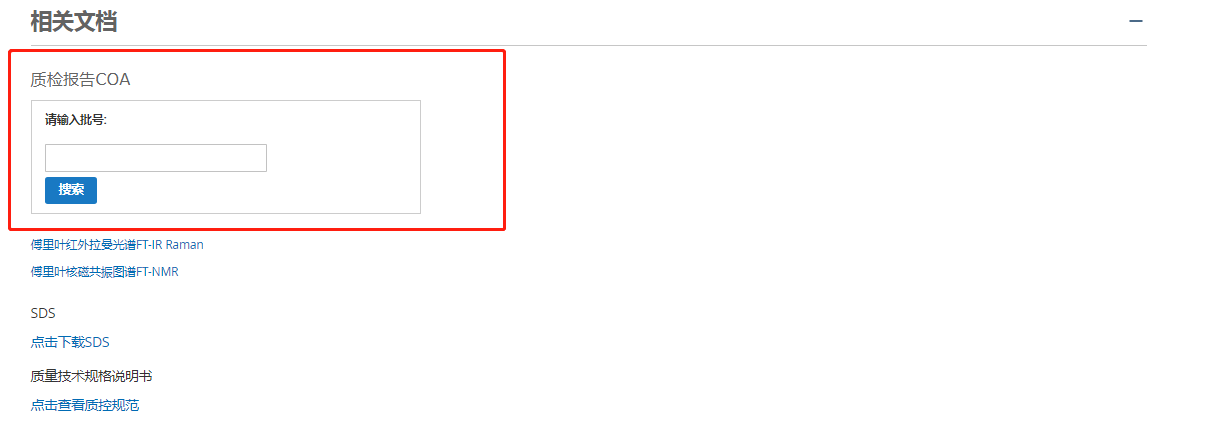
Quality inspection certificates can be queried for all the above three entries.
III.
Enter the product number and batch number respectively, and click Search to view the quality inspection certificate (COA), as shown in the following figure:

The above is our official website COA query method.