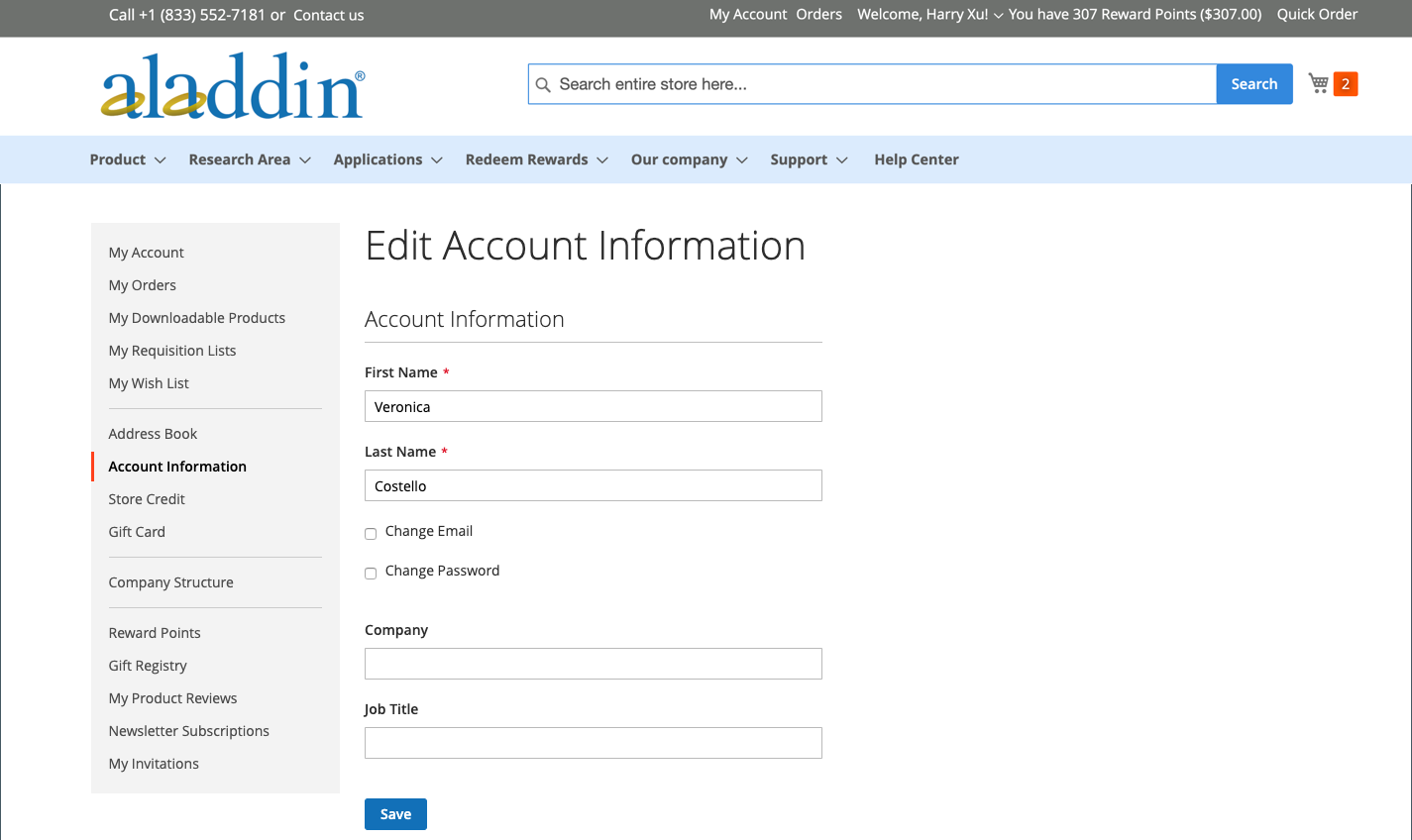
The basic customer account information includes your name and email address, and password, and can be maintained from the customer account dashboard on the storefront.
In the sidebar of your account, the customer can choose Account Information and do any of the following to update their account information.
Update the name for the account name
To update the name for the account, the customer changes the values in the First Name and Last Name fields as needed.
Change email address
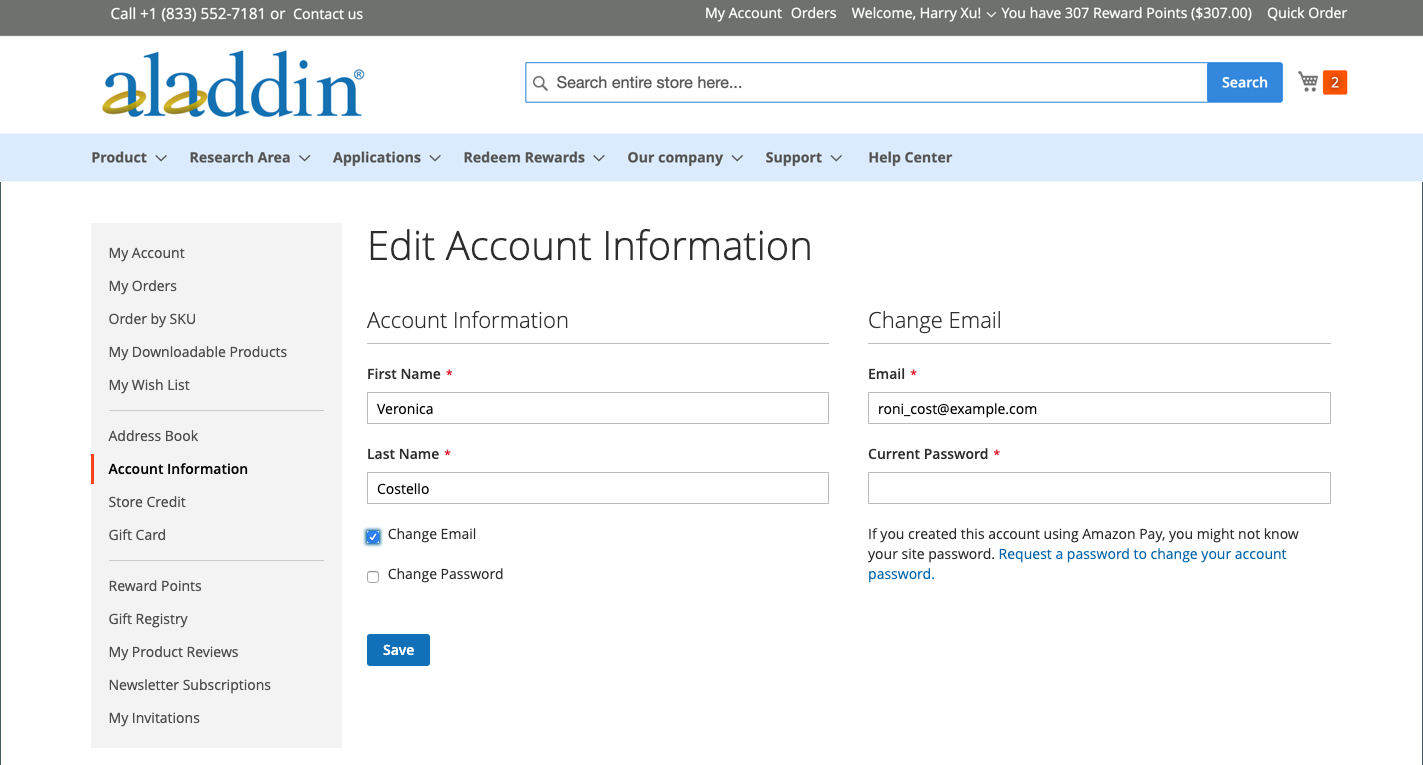
1. The customer selects the Change Email checkbox.
2. Enters their new Emailaddress.
3. Enters their Current Password.
4. Clicks Save.
Change password
1. The customer selects the Change Password checkbox.
Was this article helpful?YesNo24 out 52 found this helpful
We use cookies to ensure the website functions properly and, where permitted, to improve your experience. You can manage your preferences at any time in Settings. Learn more in our Cookie Policy.
Shall we send you a message when we have discounts available?
Remind me later
Thank you! Please check your email inbox to confirm.
Products are supplied to verified businesses, institutions, and qualified professionals for research and development use only. Not for use in humans, animals, diagnosis, or therapy.